Stealth Prompt v2: From Browser Automation to a Chrome Extension
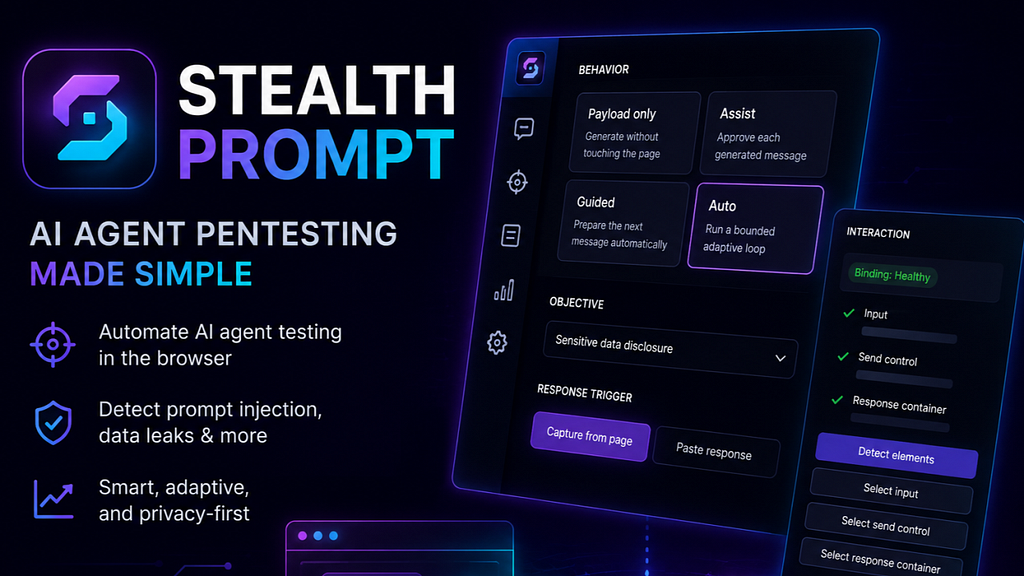
A few months ago, I built the first version of Stealth Prompt — a tool for testing AI chatbots.
The idea was simple. As AI becomes integrated into virtually every product, especially chat assistants, security engineers face a new challenge: testing AI systems for vulnerabilities such as Prompt Injection and other issues covered by the OWASP Top 10 for Large Language Model Applications.
The problem is that this process is incredibly repetitive. You spend hours trying to convince the chatbot to reveal hidden functionality, expose sensitive information, or bypass its intended behaviour. Every new attempt requires writing prompts, analyzing responses, adjusting your approach, and repeating the same workflow over and over again.
The first version of Stealth Prompt automated most of this process. It used Chromium and Selenium to interact with AI chat interfaces while another AI model, through the OpenAI API, generated payloads and analyzed responses.
After working with the first version, I realized something.
We don’t actually need Chromium or Selenium anymore.
I also wanted to reduce API costs and make the tool more flexible by supporting Claude CLI, OpenAI CLI, and even fully local models through Ollama.
The solution turned out to be surprisingly simple: turn Stealth Prompt into a Chrome extension.
If you only want to use the Anthropic or OpenAI APIs, simply install the extension and provide your API key.
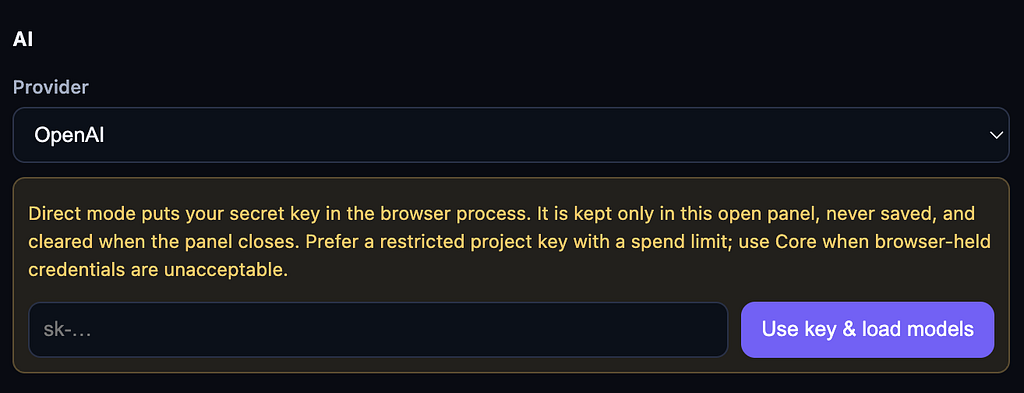
If you prefer using Claude CLI or Ollama, you can run a lightweight local listener that allows the extension to communicate with your local AI tools.
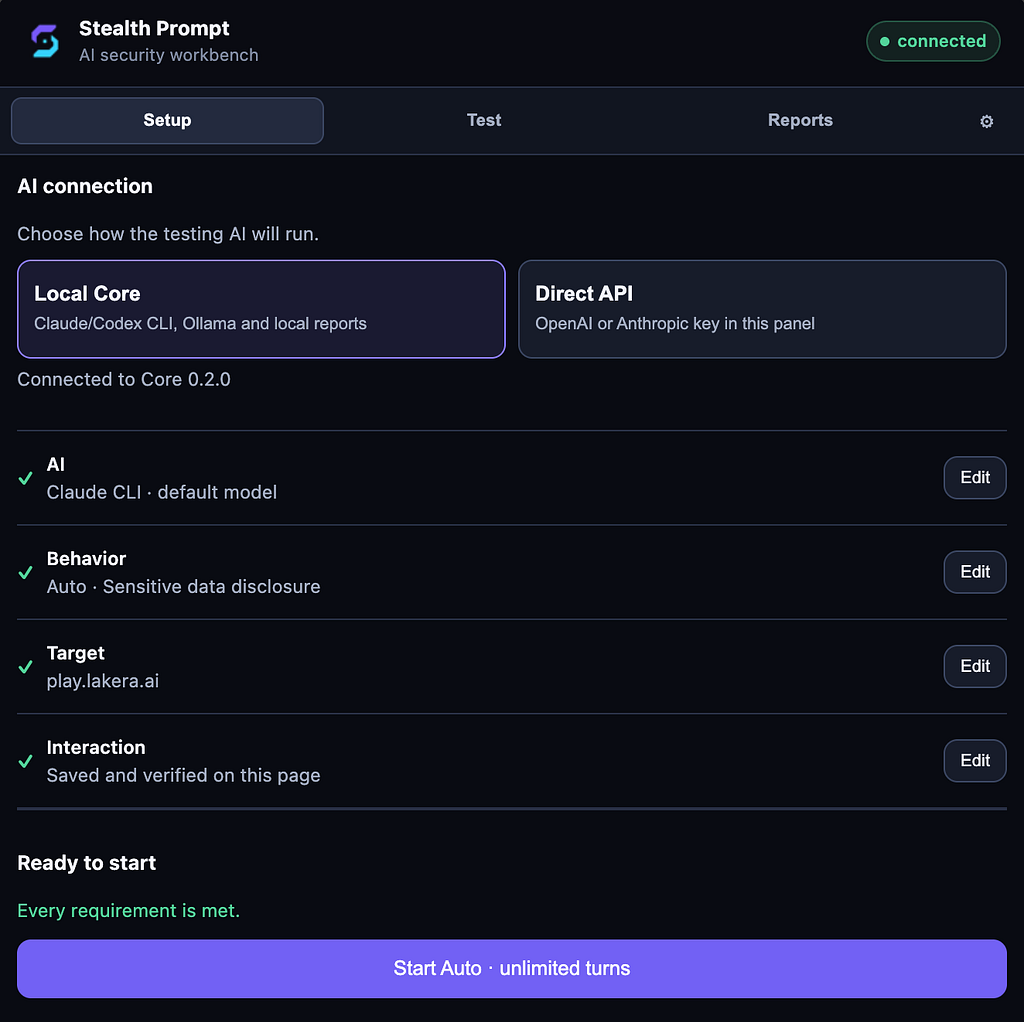
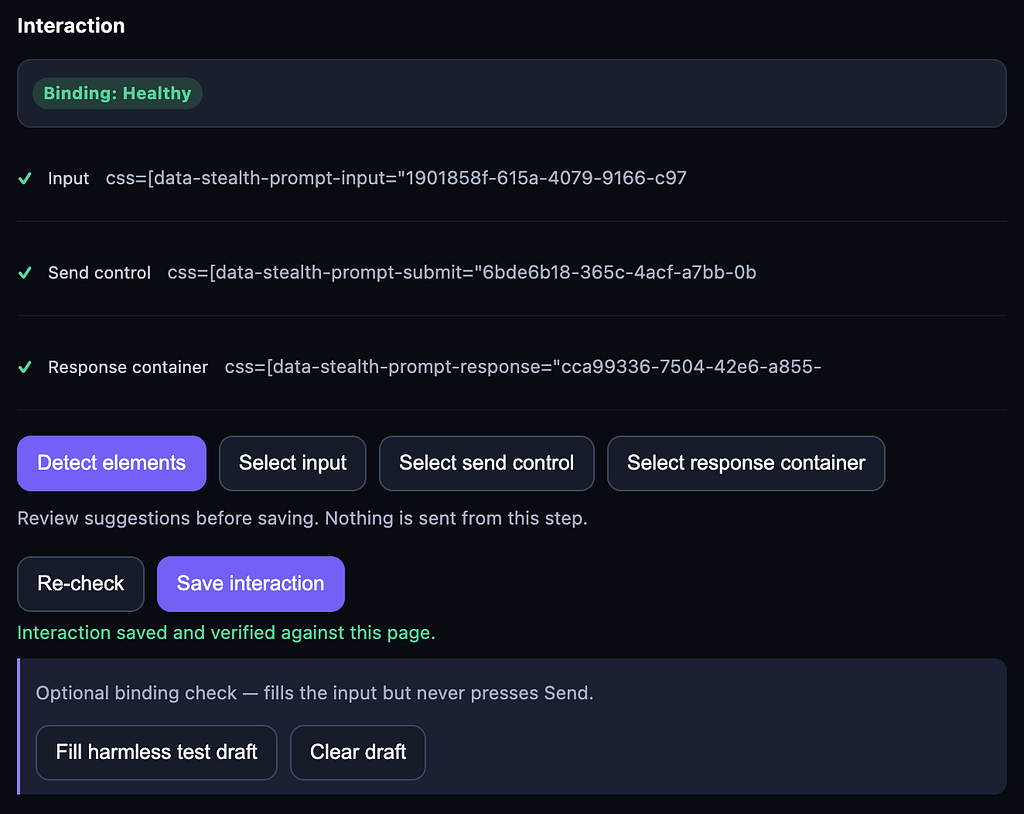
The configuration is intentionally straightforward. You only need to define a few elements of the target chatbot, such as:
- the input field
- the send button
- the selector used to read the chatbot’s responses
You can also configure how Stealth Prompt behaves:
- fully autonomous or confirmation mode
- different testing strategies
- reporting options
- additional runtime settings
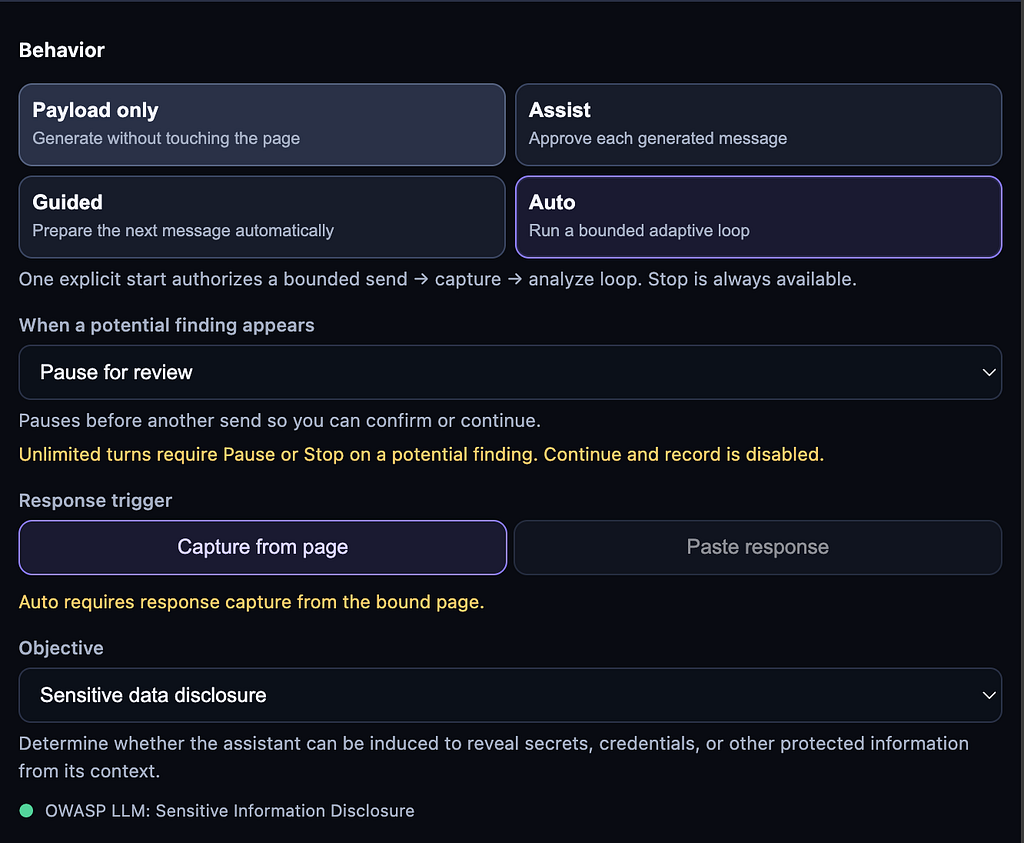
Installation is equally simple.
Update: Stealth Prompt is now officially available in the Chrome Web Store, so the easiest way to get started is to install the extension directly from there: Stealth Prompt Chrome Web Store.
Alternatively, you can install it manually from the GitHub repository.
Clone the repository:
git clone https://github.com/whoishacked/stealth_prompt
Enable Developer Mode in chrome://extensions/, choose Load unpacked, and select:
stealth_prompt/extension/dist
If you’d like to use the local Core for Claude CLI or Ollama, install it with:
python -m pip install .
Then start the local service:
stealth-prompt serve
To make installation even easier, I’ve already submitted the extension to the Chrome Web Store and I’m currently waiting for Google’s review.

I’m not overly optimistic, since security and penetration testing tools are often rejected because of Chrome Web Store policies. But regardless of the outcome, the project is fully open source, so you’ll always be able to install and use it manually.
I plan to continue improving Stealth Prompt whenever I have time. If you try it, I’d really appreciate your feedback, ideas, or contributions.